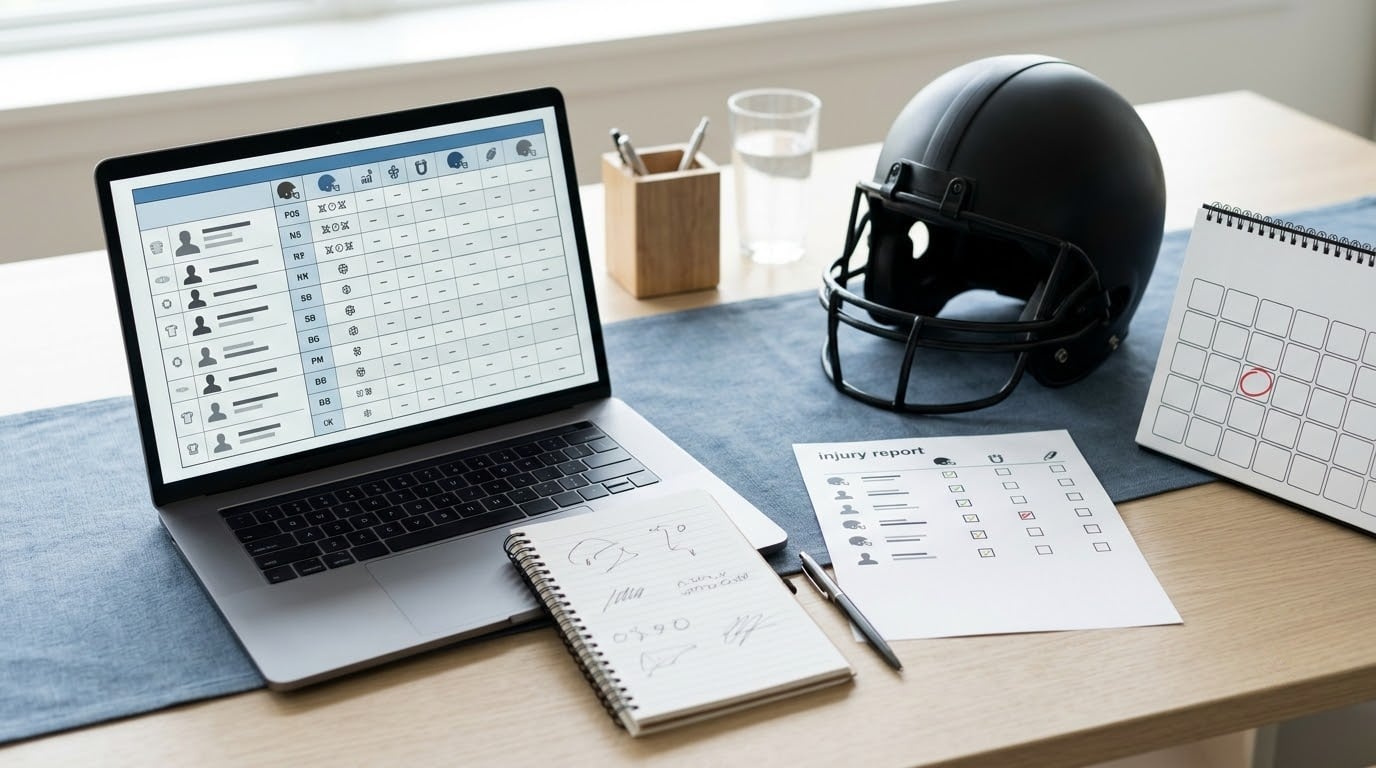
An injured starter is not a dead asset in fantasy football, and the difference between a smart stash and a panicked cut is usually just five decisions made in the right order. To stash an injured player on your roster, you confirm your league has a reserve spot that fits them, work out a realistic return window, fill the spot they free up with someone who can actually play, execute the move inside the transaction window, and set yourself a hard date to revisit it. Five minutes of planning before the move prevents the locked-roster mess that ruins a Sunday.
Rule details change between seasons and between platforms, so treat everything below as the process rather than the law. The examples follow standard commissioner setups on ESPN, Yahoo, Sleeper, CBS and NFL Fantasy, verified against public platform help pages in October 2026.
Table of Contents
- What You Need
- Step-by-Step: How to Stash an Injured Player on Your Roster
- Step 1: Check whether your league can support a stash
- Step 2: Estimate the injured player’s return window
- Step 3: Find a short-term replacement
- Step 4: Make the roster move at the right time
- Step 5: Plan the return without forgetting weekly management
- Common Mistakes
- Frequently Asked Questions
- Can I stash an injured player in a redraft league?
- What is the difference between an IR slot and an IR+ slot?
- When should I drop an injured player from a stash?
- Should I add a replacement player while an injured player is on IR?
- How long should I keep an injured player before activating or dropping them?
- What happens if an injured player returns earlier than expected?
- Conclusion
What You Need
Before you touch your roster, four things have to be in place. Skip any one of them and the stash turns into a liability that blocks your weekly moves.
League rules that permit a stash. You need at least one spot outside your active and bench positions. In most leagues that is an injured reserve slot, though some platforms use an IR+ slot that also accepts a non-injury designation, and dynasty formats often add taxi squads or reserve rosters for rookies. If your league has none of those, you cannot stash, and the only route left is dropping or trading the player outright.
A healthy replacement already identified. Stashing frees one roster position. Know who fills it before you make the move, not after.
An expected return window. Even a rough range matters more than a precise date. A player expected back inside three weeks is a different bet than one whose timeline runs to the end of the season.
A safe drop date. Pick the calendar date when the stash stops paying for itself. Write it down. Without one, most stashes quietly rot until playoffs.
Step-by-Step: How to Stash an Injured Player on Your Roster
Step 1: Check whether your league can support a stash
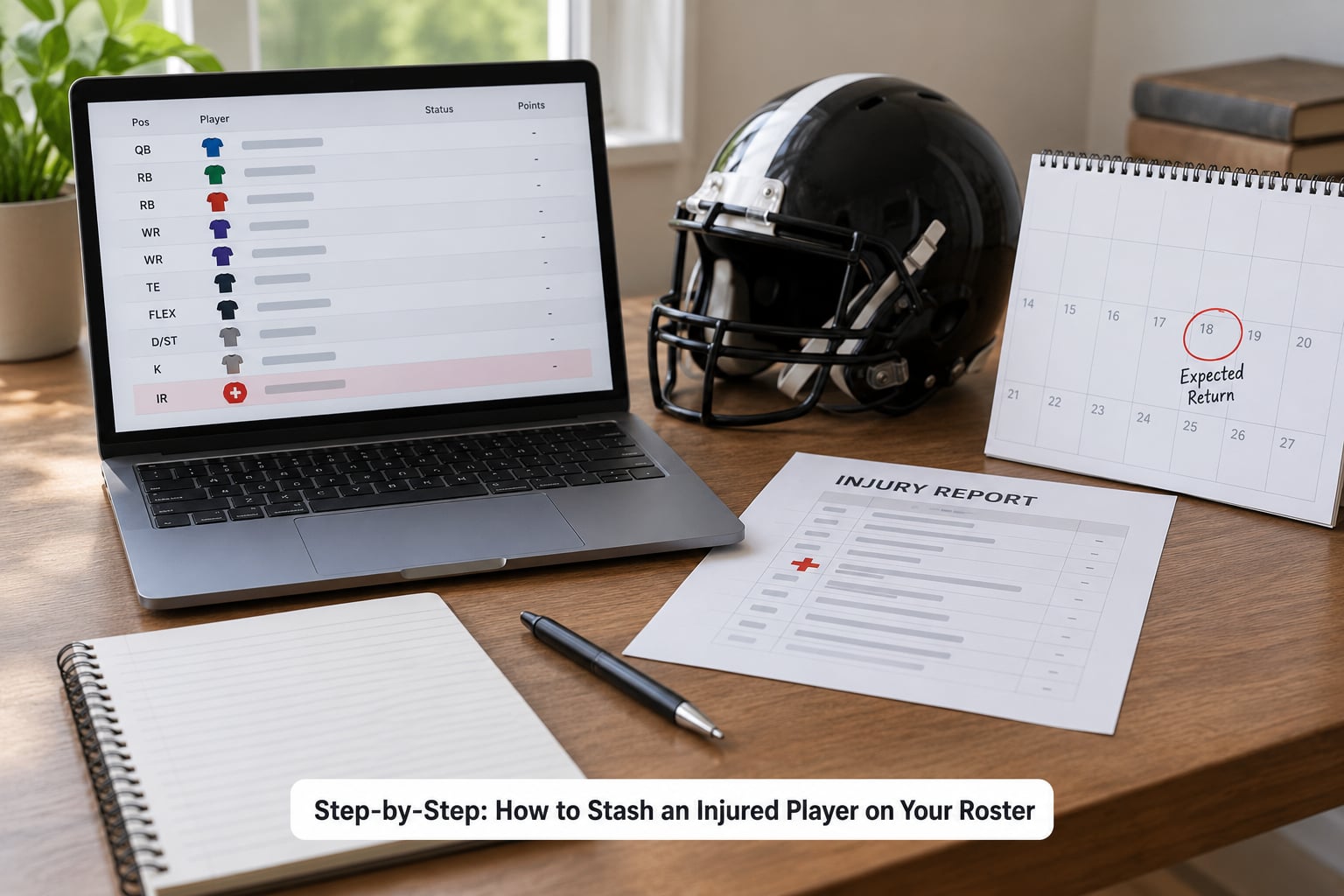
Open your league settings and confirm how many reserve-type spots you actually have, and what qualifies someone for them. The categories you will see are an injured reserve slot for players carrying an IR-designated status, an IR+ slot on some platforms that also accepts out, PUP, NFI or suspended designations, and in dynasty leagues a taxi squad for players who never dressed for their team.
Then check two settings people usually miss. Minimum roster requirements can force auto-activations in some formats, and some leagues limit how long a player may sit in a reserve spot before the spot expires and dumps them back onto your bench, which can push you over your roster limit. If you are in a league with tight rules and you genuinely need more flexibility, that is a commissioner conversation. CBS handles it under Commissioner Tools and Transaction Policies, and Sleeper lets a commissioner widen IR eligibility in custom league settings.
Step 2: Estimate the injured player’s return window
Read the actual designation before you read anyone’s opinion of it. Out, doubtful, questionable, IR, PUP, NFI and suspended each mean different things for eligibility and different things for timing, and they do not mean the same thing on every platform.
Build the window from three inputs: what the team said on the injury report, what the practice participation looked like through the week, and what the position’s depth chart says about the player’s job when they come back. A player cleared to practice fully on a Wednesday has a different outlook than one still limited in a padded session on Friday.
Then be honest about the uncertainty. Timelines slip constantly, and a mid-season return can turn into an out-for-the-season diagnosis in a single week. If you cannot name a rough range without guessing twice, treat the return as open-ended and decide your stash on other grounds.
Step 3: Find a short-term replacement
The freed spot is only worth something if there is a waiver-wire player worth owning. Look for immediate playing time over upside: a starter job, a coach who just committed to a hot hand, a backfield where the starter missed practice, a receiver elevated because a teammate landed on IR.
Do not take a flyer because the wire is thin. A replacement who never takes the field gives you nothing, and you end up with an empty roster position that blocks adds, drops and trades for the rest of the week. Managers routinely end up in that spot when an injury cluster hits in week three and there is nothing left to claim.
Step 4: Make the roster move at the right time
Submit the move to the reserve slot and claim the replacement in the same transaction if your platform allows it, which most do. Doing it in one action avoids a window where the player sits illegally on your bench.
Timing is the part that bites people. Waivers process on their own schedule, usually overnight, and if you wait until the morning of a game you may be reacting to an eligibility change hours before kickoff. Some leagues use replacement rules, meaning the system auto-swaps in the highest-available waiver player when you fill an open spot, and you can end up with someone you never selected. A handful of leagues also lock roster moves near kickoff.
Expect your waiver priority to be whatever it was before the move. Stashing does not buy you first claim on the next round of pickups.
Step 5: Plan the return without forgetting weekly management
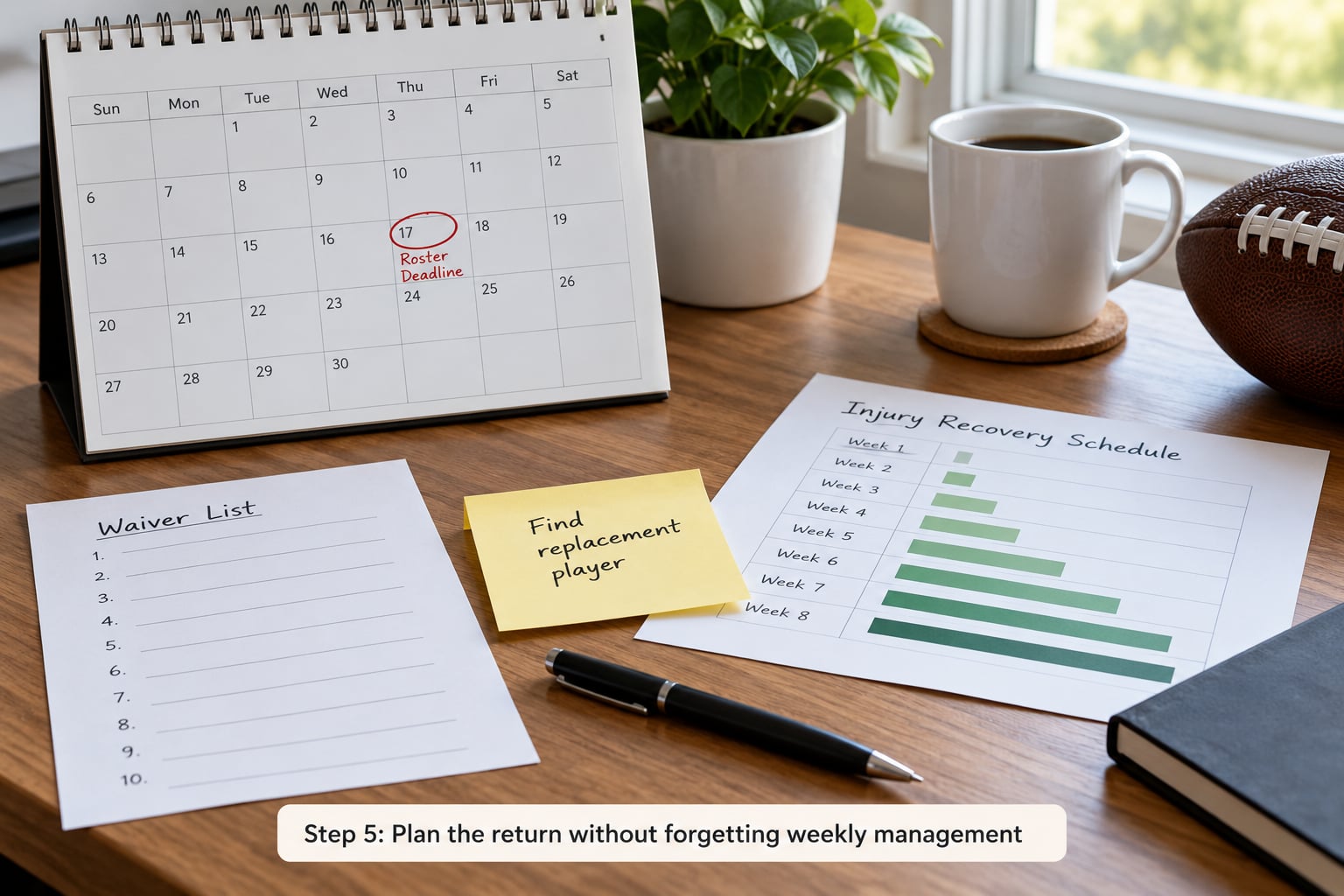
Decide now which slot the player takes when they come back. If a better prospect is sitting there, you may find yourself cutting your own stash on activation day, and that is a decision you should make once, calmly, in advance.
Set the return deadline on the safe drop date you picked earlier, and put a reminder on it. When the player clears eligibility, they do not re-enter your lineup automatically. Until you move them back into an active or bench slot, your roster can be flagged invalid and block every add, drop and trade, which is exactly how some managers found out their lineup still scored while their team was frozen.
If they return earlier than planned, activate them during the same transaction window and confirm they appear in your lineup. If they return and are immediately limited again, decide quickly whether the stash still works, because a second trip to the same slot costs you the position twice.
Common Mistakes
Stashing without a reserve spot. You move a player expecting the app to absorb it, and your roster goes over the limit. Fix: confirm slot count and eligibility labels in league settings before the move, every week.
Choosing a replacement with no path to playing time. The open spot is technically filled and functionally useless. Fix: prioritize a job over a projection, and check whether your waiver priority is even realistic right now.
Treating an expected return date as a guarantee. Set your drop date earlier than the expected return, not on it. The gap between the two is your cushion.
Missing the transaction window. You plan the whole move, then the eligibility clears while you are at work. Fix: check the day’s injury and practice news early, and make roster moves in the morning rather than the evening.
Holding a player past their competitive value. A veteran with no role, no runway and no production left is not a stash, it is a roster vacancy with an injury label. Fix: run the drop-date check every week, and in dynasty leagues weigh age and contract runway alongside floor value.
Frequently Asked Questions
Can I stash an injured player in a redraft league?
Usually, yes, if your league offers a reserve or injured slot. Redraft leagues that cut IR spots require you to drop the injured player outright and re-claim them later, which usually fails because they keep a sliver of value while out. The exception is a commissioner who can turn the slot on in league settings, and some platforms default it off for redraft. Check your own settings first, since the answer is not universal.
What is the difference between an IR slot and an IR+ slot?
An IR slot accepts only players with an injury designation your platform recognizes, such as IR or PUP. An IR+ slot is broader and also accepts out, NFI and suspended players, so it is more flexible and often a better stash tool. The trade-off is that broader eligibility means more competition for the same spot. Many leagues give you one of each rather than a choice between them.
When should I drop an injured player from a stash?
Drop them when the calendar passes the date you set, when a second injury resets the timeline, when a better prospect on your own roster takes the job, or when their expected post-return production falls below what the open spot is worth. In dynasty, add age and contract runway to that list. Do not extend the timeline because you feel bad; feeling bad is not a projection.
Should I add a replacement player while an injured player is on IR?
Almost always yes, because the freed spot is wasted if you leave it empty and it can trigger a roster-invalid state that blocks your other moves. Pick the replacement for near-term playing time first, since the goal is covering games you are missing right now. Watch for replacement rules that auto-fill open spots, and confirm what you actually claimed after the transaction clears.
How long should I keep an injured player before activating or dropping them?
Long enough for the diagnosis to resolve, which is often four to six weeks for a non-ligament injury and a full season for anything requiring surgery. What matters more is whether you revisit it on a schedule. Write a drop date at the moment you make the stash, and review weekly. Stashes that get reassessed weekly survive; the ones nobody looks at again usually do not.
What happens if an injured player returns earlier than expected?
You still have to act. Clearing eligibility does not put anyone back in your lineup automatically, and until you move them into an active or bench slot the roster can stay invalid and block adds, drops and trades. Activate them inside the transaction window, check that they appear in your lineup, and be ready to make room if someone better is already holding the spot.
Conclusion
A stash works when the reserve spot fits the player, the replacement covers this week, and you revisit the decision on a date you chose in advance. First, open your league settings and confirm you have the right kind of spot; then pick the replacement who has a job before you touch anything else.