How to track practice reports for fantasy decisions is simpler than most managers make it: check each team’s official participation report after every practice, write down Full, Limited, or DNP for every player on your roster, and judge the three-day trend instead of a single session. Ten minutes a day between Wednesday and Sunday is enough to catch most surprise scratches before lineup lock.
Practice participation is the earliest public signal of availability. It shows up two to three days before kickoff, which means a season-ending injury or a one-week absence usually surfaces here first, ahead of official injury report designations and well ahead of box scores and waiver wire churn.
That timing is what makes it worth a routine. A manager who checks Wednesday, Thursday, and Friday with a written log makes calm decisions. A manager who reads a random headline at 11:40pm reacts, and the reacting version loses flex spots several times a season.
Table of Contents
- How to Track Practice Reports: What You Need
- Seven Places to Check Practice Reports, in Order of Speed
- What Each Source Is Good For
- Step-by-Step: How to Track Practice Reports for Fantasy Decisions
- 1. Build a Watchlist Instead of Reading Everything
- 2. Wednesday: Set Alerts and Read the League Report
- 3. After Each Practice: Record Designation and Position Group
- 4. Thursday: Read the Full-Speed Session Closely
- 5. Friday: Use the League Injury Report to Lock Decisions
- 6. Sunday: Check Pregame Notes Before Kickoff
- How to Read Participation, Contact, and Role Changes
- How to Check Whether a Report Is Reliable
- How to Turn Practice Reports Into Fantasy Decisions
- Common Mistakes When Using Practice Reports
- Tips for Making Practice Reports Part of Your Weekly Routine
- Frequently Asked Questions
- What does DNP mean in football?
- What does limited practice mean in the NFL?
- Why is my player not on the practice report at all?
- What time do NFL practice reports come out?
- Should I drop a player after a limited practice?
- What does PUP mean in football?
- Conclusion
How to Track Practice Reports: What You Need
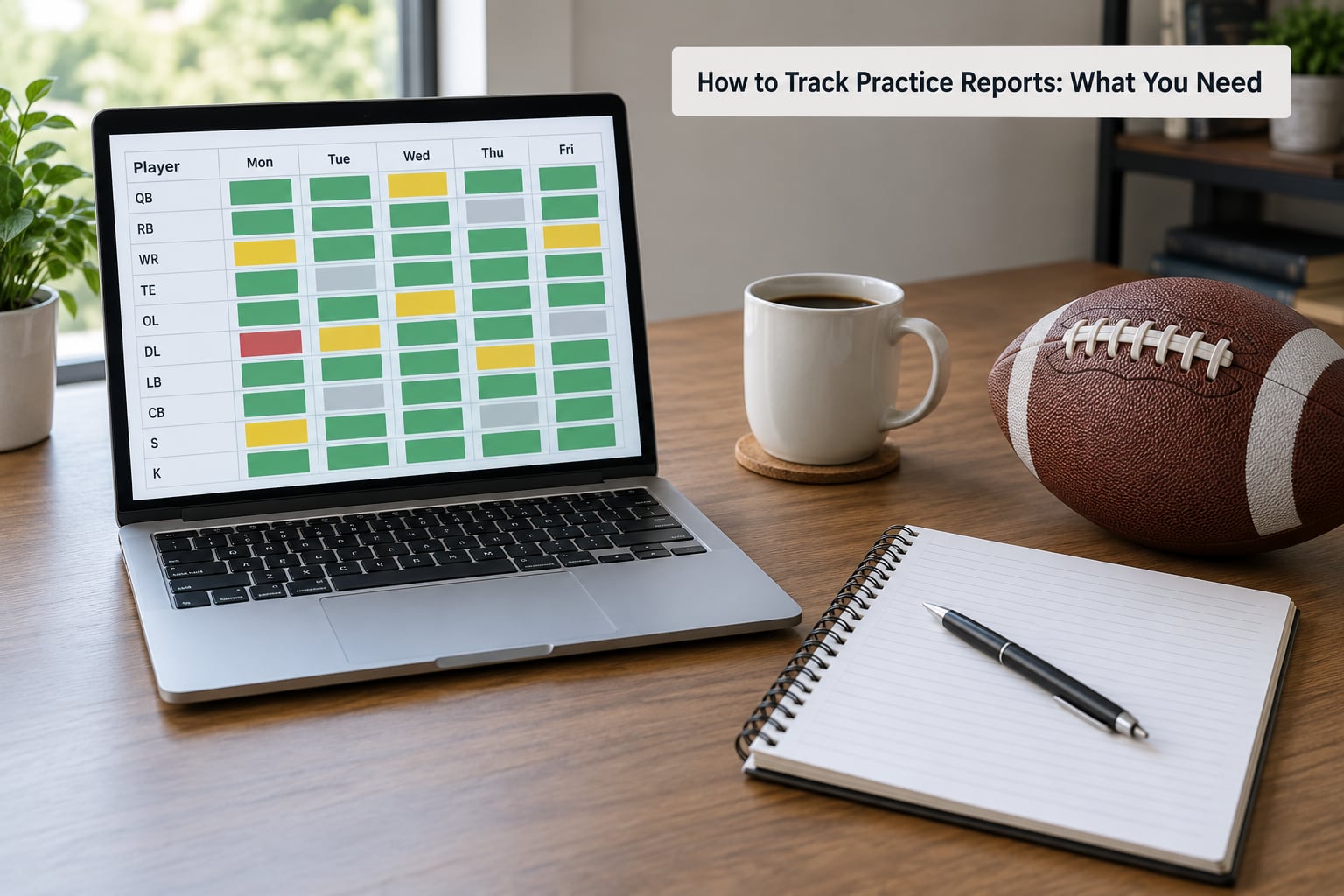
You need four things, and only one of them costs money. Most managers start with the free team pages and add a single aggregator later.
Seven Places to Check Practice Reports, in Order of Speed
- The team’s official website. This is the source the league itself pulls from. Every club posts a participation report after practice, usually mid-afternoon Eastern on a normal day.
- The league’s official injury report page. Wednesday and Friday releases carry the Out, Questionable, and Doubtful designations. This is the last word before game time, and it is where start/sit decisions get settled.
- RotoWire. Fast written recaps after each practice drop, with the participation table rewritten for fantasy readers.
- RotoBaller. Similar rhythm, with push alerts you can scope to your own league.
- FantasyPros. Aggregates participation and injury designations for all 32 clubs on one page, which saves you 30 tabs.
- Your league platform. Sleeper, ESPN, Yahoo, and CBS each show an injury tag next to the player, though the iconography differs by site.
- Team beat reporters. Local reporters covering the press conference usually post context a designation cannot carry, like which position group a player worked with.
What Each Source Is Good For
| Source | What it gives you | Best used for |
|---|---|---|
| Team official site | Participation designation plus the body part the team cites | First look, and confirming anything a headline gets wrong |
| League injury report | Out, Questionable, Doubtful for Wednesday and Friday | The final start/sit call before lineup lock |
| RotoWire or RotoBaller | Written practice recap and ranked start/sit lists | Speed, when you cannot open 32 tabs |
| FantasyPros | All 32 clubs on one page | League-wide scanning in a couple of minutes |
| League platform | An injury icon and a short note beside each player | Quick checks while you are setting your lineup |
| Beat reporters | Position-group and quote context | Resolving what the designation leaves vague |
Set your alerts to your own roster only wherever the tool allows it. RotoBaller, RotoWire, and most league apps let you follow specific players or specific teams, and that single setting is the difference between five useful alerts a day and two hundred you mute by Thursday.
Then decide what you are recording. Designation alone is not enough. Note the position group a player worked with, whether the team gave a body part, and the timestamp you saw it, because a report from a walkthrough day carries a different weight than one from a full-speed session.
Step-by-Step: How to Track Practice Reports for Fantasy Decisions
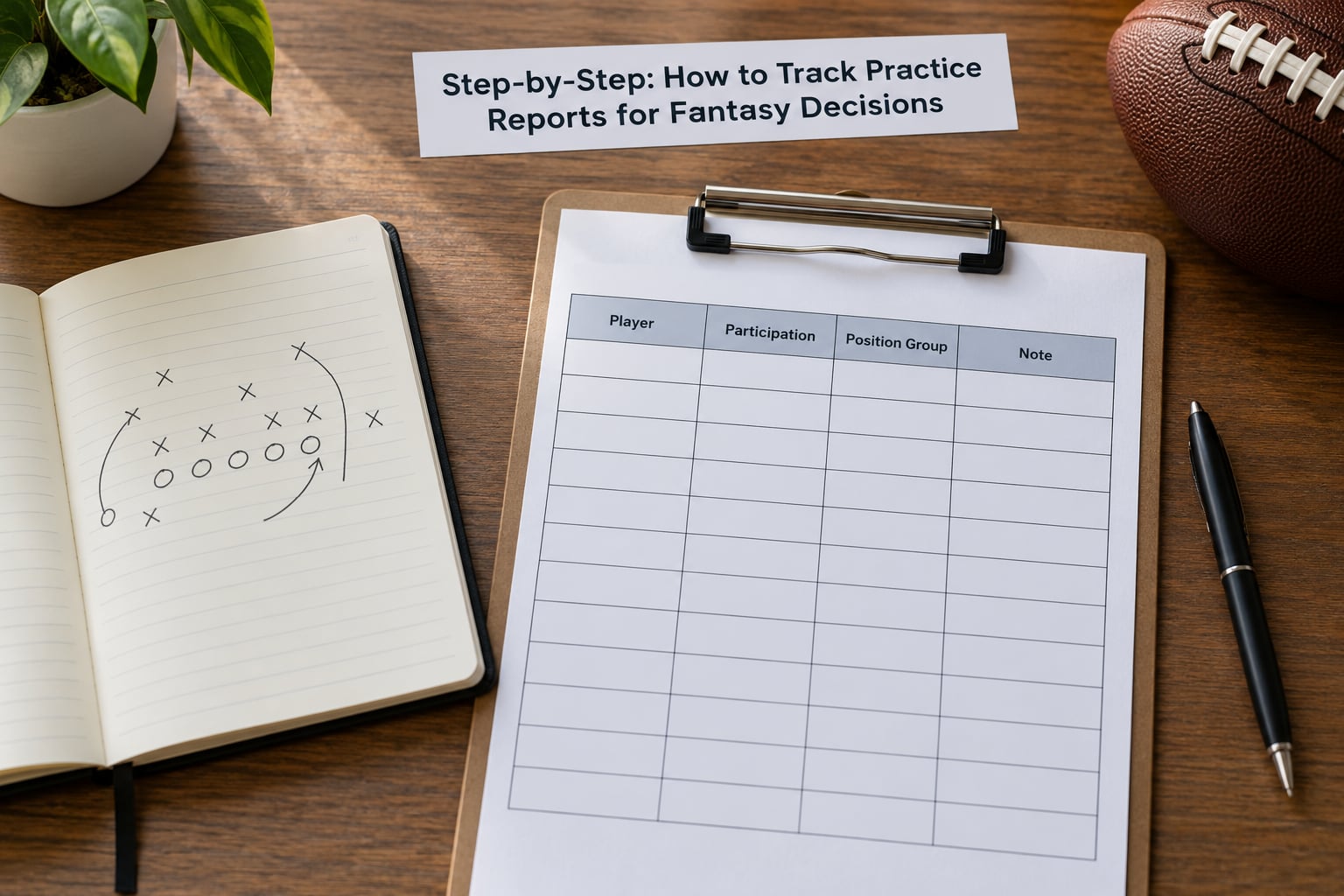
The workflow below runs Wednesday through Sunday and takes about ten minutes a day. Step one is building the watchlist, and the rest is checking it in the same order every week.
1. Build a Watchlist Instead of Reading Everything
Pull your roster and flag two groups. First, every player carrying an injury designation, a reserve spot, or a recent history of missing time. Second, every backup who competes for the same job as a starter, because a starter’s absence creates a fantasy job even when the backup’s own status is unchanged.
That list is usually 15 to 30 players, which is a ten-minute read. Reading all 32 team reports takes closer to an hour and mostly confirms nothing changed.
2. Wednesday: Set Alerts and Read the League Report
Wednesday’s official injury report is the first hard designation of the week, published in the early afternoon Eastern. Note every player on your watchlist listed as Out, since an Out on Wednesday rarely reverses.
On Wednesday, also record the baseline: each player’s current status before any practice updates land. Without a baseline you cannot tell a downgrade from a long-standing limitation.
3. After Each Practice: Record Designation and Position Group
Team pages post their participation report in the mid-afternoon Eastern window on most days. Open the pages for the clubs on your watchlist, find each player’s row, and log four fields: designation, body part, position group, and the time you looked.
The position group field is the one people skip and the one that carries the most value. A receiver listed as Limited but working with the first-team offense is a different fantasy situation from a receiver limited to the third string, whatever the label says.
4. Thursday: Read the Full-Speed Session Closely
Thursday is usually the most informative practice of the week because it is typically the one with full-speed team periods. Reports also routinely declare players out for Sunday on Thursday, so many managers treat a Thursday report as a near-final answer rather than a preview.
Walkthrough days tell you much less. A designation on a walkthrough is a coach’s estimate of what a player could do, not a record of what they did. Experienced managers weight those days low.
5. Friday: Use the League Injury Report to Lock Decisions
Friday’s official report is your decision point for anything that is not obvious. Questionable on Friday means the team expects the player to be involved but has not confirmed it, and it is the designation that produces most of the week’s frustrating starts.
Check the body part listed on the practice report against the question the team raises on Friday. A hamstring designation that appears Monday and disappears by Friday without explanation is worth a beat reporter’s post before you commit.
6. Sunday: Check Pregame Notes Before Kickoff
Warmups settle what Friday left open, and pregame reports land roughly 90 minutes before kickoff. A player listed as Questionable who stays in street clothes during warmups is out, and no amount of season-long production changes that.
Platforms also lock lineups at different times, and Thursday night games lock before most of Sunday’s news exists. That timing is worth planning for rather than discovering at 8:40pm on a Saturday.
How to Read Participation, Contact, and Role Changes
A practice participation report tells you how much practice work each player did, in one of three labels. Full participation means every scheduled rep. Limited participation means the player took part in a reduced portion of the session. DNP, meaning did not participate, means the player was not allowed to take part at all. Teams also list the body part when they give a reason, and that reason usually carries more information than the label itself.
| Designation | What it usually means | Typical fantasy read |
|---|---|---|
| Full participation | Took all scheduled reps | Play as normal unless the matchup or role says otherwise |
| Limited participation | Reduced reps, often position or contact work withheld | Watch the trend across three days rather than reacting to one |
| DNP | No practice work at all | Treat as serious, especially on a full-speed day |
| Not on the report | Excluded by the team, often a program-based restriction | Verify with the club’s official injury status before deciding |
| Out | Officially ruled out on the injury report | Plan around him |
| Questionable | Expected to be limited or uncertain | Flex logic, and check warmups |
| Doubtful | Unlikely to play | Treat as a non-starter |
| Out for season | Moved to IR, PUP, or NFI | Season is over for redraft production |
Position matters more than the label. A single DNP matters far less for a receiver than for a running back or a quarterback, because a receiver’s work is less contact-dependent and a missed practice rarely means a missed route. Running backs carry the load, so a limited designation there carries a much higher price. Quarterbacks sit in the middle: one bad session rarely matters, a second consecutive one usually does.
A position-group shift can matter more than any of these codes. A tight end who suddenly practices with the receivers, or a running back who stays with the offensive line all week, is telling you something the DNP column never will.
How to Check Whether a Report Is Reliable
Rank your sources before you need them. The team’s official page ranks first because the league draws from it, the league’s injury report ranks second, and aggregator speculation ranks last no matter how fast it arrives.
Check three things when a report looks wrong. First, the timestamp, since many pages refresh after an initial post and the version you saw at 2pm may not be the version at 5pm. Second, whether the day was a walkthrough, because designations on those days are estimates. Third, whether the player is genuinely absent from the report, which teams do for program-based restrictions and which readers routinely misread as an injury.
When sources conflict, coach commentary usually settles it. A head coach calling a receiver a full-speed participant at the podium outweighs a Limited tag on a walkthrough day, because the coach watched the actual work. Beat reporters covering that team are usually right on these details too, and consistent reporters stay consistent for weeks.
There is no line in the report telling you how serious the limitation is. A player managing a groin issue in the offseason can be Full every day of practice week and still be a trap. Participation tells you availability, not durability.
How to Turn Practice Reports Into Fantasy Decisions
Use thresholds rather than reactions. The cleanest version I know takes about three minutes per player: one bad session is a note, two consecutive bad sessions move a player down a tier, and a full miss on a full-speed day moves them out of the starting lineup at that position.
Then layer the participation read on top of the rest of your process. Matchup, opponent defensive tendencies, projected target share, snap counts from the previous three weeks, and the scoring format on your platform all carry more weight than a designation on its own. Participants on Reddit tend to treat participation as one input among several rather than a verdict, and that habit is exactly right.
Different decisions take different thresholds. A starter ruled out on Wednesday creates an immediate waiver claim at whatever position his backup plays. A Questionable flex-eligible player is a Sunday-morning check. A player limited all three days but whose team has no other option is still a start, because the designation tells you about availability and not about the depth chart behind him.
Dynasty managers use the same data differently. Participation patterns across three to four weeks tell you whether a recovering player is trending back or drifting, which is the input you need before a trade offer arrives. Two months of limited work is a very different asset than two weeks.
Common Mistakes When Using Practice Reports
1. Overreacting to a single report. One Limited tag on a walkthrough day means very little. The correction: require a pattern, and treat the second and third sessions as the ones that carry information.
2. Treating every Limited designation as equal. A wide receiver limited to non-contact work is in a different place from a quarterback who cannot take a snap. The correction: weight the label by position before you move a player.
3. Reading walkthrough days as real participation. Designated coaches estimate on walkthroughs, so designations that day are softer than the same word on a Thursday. The correction: mark walkthrough days in your log and ignore them when setting thresholds.
4. Believing a report that lists a player who is not on it. Teams omit players on program-based restrictions, and readers often assume the worst. The correction: check the club’s official injury status and beat reporting before acting on an absence.
5. Using practice news without context. A Full designation on a player who lost his job in camp is noise. The correction: confirm the depth chart, snap counts, and expected role before a designation changes anything.
6. Trusting the first version of a report. Pages get corrected. The correction: re-open the team page once in the evening, particularly if a player you start is listed as limited.
7. Subscribing to everything. Alert fatigue is why managers miss the one report that mattered. The correction: scope alerts to your watchlist, and keep the league-wide feeds for Wednesday and Friday only.
One more habit worth dropping: waiting until Sunday morning to look. Most of the useful signal is available by Friday afternoon, which is before most league locks.
Tips for Making Practice Reports Part of Your Weekly Routine
Pick a fixed window and protect it. Mid-afternoon Eastern on Wednesday, Thursday, and Friday is when the team pages and the league report have both landed, so one pass covers everything.
A simple template beats an elaborate one. Mine is five columns:
| Player | Wed | Thu | Fri | Note |
|---|---|---|---|---|
| Player name | LP or DNP | Full | Questionable | Body part, position group, quote |
| Player name | Full | Full | Out | Coach called it a day early |
| Player name | Walkthrough | Limited | DNP | Third string, role shrinking |
Three columns is enough if you are disciplined about the note field. What matters is that you can see, at a glance, who improved, who declined, and who sat out entirely.
Set your decision thresholds before the week starts, while you are not emotionally invested. For most redraft leagues I would use two consecutive limited or non-participation sessions as the downgrade trigger, and a full miss on a full-speed day as the automatic sit.
Use press conferences as a second read, not the first. They fill in role context, they run on a schedule you can plan around, and a coordinator describing a player as a full participant usually knows more than the walkthrough tag you read at 2pm.
Finally, keep a second source open. Not a second opinion, which is noise, but a second path to the same fact, so a slow team page does not cost you ten minutes of your Thursday.
Frequently Asked Questions
What does DNP mean in football?
DNP means did not participate. On an NFL practice participation report it means the player was not permitted to take part in practice at all, whether because of injury, illness, recovery, or a program-based restriction. One DNP on a walkthrough day carries little weight. The same label on a full-speed day is a serious signal, especially for running backs and quarterbacks.
What does limited practice mean in the NFL?
Limited participation means a player took part in a reduced portion of practice, often with contact or position-specific work withheld. It does not automatically mean the player will be limited on Sunday, because teams manage veterans this way for maintenance all season. What matters is the trend across three days and the position group the player worked with, not the label on a single session.
Why is my player not on the practice report at all?
Teams leave players off participation reports for reasons other than injury, including conditioning programs, rookie holding patterns, and discipline-related restrictions. An absence is not the same as a DNP, though many readers assume it is. Check the club’s official injury status page and beat reporting for that team before you downgrade anyone, because the report itself will not explain the omission.
What time do NFL practice reports come out?
Team participation reports usually post in the mid-afternoon Eastern window after practice, though the exact time varies by club and by day. The league’s official injury report, which carries Out, Questionable, and Doubtful designations, comes out on Wednesdays and Fridays. Wednesday’s report lands earlier in the afternoon Eastern, which gives you a working read before Thursday practice.
Should I drop a player after a limited practice?
Rarely, on the information from one session. A limited practice usually reflects workload management more than absence from the game, and plenty of fully healthy players are limited every week of September. Drop a player only when the pattern repeats: two consecutive limited or non-participation sessions, or a full miss on a full-speed day, combined with something in the injury report.
What does PUP mean in football?
PUP means physically unable to perform. A player on the physically unable to perform list cannot practice or play while on it, so a redraft season is effectively over for that player. PUP list placements can run up to eight games in a season, with a 21-day waiting period after a player is taken off the list before he can join the active roster.
Conclusion
Tracking practice reports is a chain: find the report, read the designation correctly, check the position group and the timestamp, then compare it to yesterday and to the injury report. The managers who do well with this are not the ones who read more reports, they are the ones who apply the same thresholds every week without negotiating with themselves.
Start where the stakes are highest. Look at this week’s lineup and find the two decisions that would hurt most if you got them wrong, find the teams those players play for, and add those team pages to a watchlist you can reach in under a minute. Then put the Wednesday, Thursday, and Friday window in your calendar and keep a five-column log next to it. One full week of that habit will teach you more than a season of reading headlines.