If you cannot make your live fantasy football draft, you have three real options: take manual control from your phone, hand your picks to a trusted proxy, or hand them to auto-draft after spending an hour configuring it. This guide covers how to draft when you cannot attend live, option by option, in the order that costs you the least control.
Missing a draft is common. Work calls it in, flights move, kids get sick, and leagues keep the same Saturday slot for years. The bad part is not being away; it is handing an unconfigured bot a roster and finding out three weeks later that you own four tight ends and no usable running back.
Budget about 60 minutes of prep, and you can treat this as a solved problem rather than a lost season. Details on platform labels change every season, so treat the settings described here as generic and check the current wording in your league app. Setup verified as of October 2026.
Table of Contents
- What You Need
- How to Draft When You Cannot Attend Live: Step-by-Step
- 1. Finalize Your League Strategy
- 2. Build a Draft Plan You Can Follow Anywhere
- 3. Set Up Alerts and Draft Tools
- 4. Draft by Tiers When You Cannot Follow the Live Board
- 5. Adjust When the Draft Goes Off Script
- 6. Confirm the Roster Before the Draft Closes
- Common Mistakes
- Frequently Asked Questions
- Can I draft fantasy football from my phone?
- What should I do if I cannot attend my live draft?
- Should I use an auto-draft or a fantasy football draft tool?
- How do I choose players when I cannot follow the live draft board?
- What happens if I need to make a pick outside my planned position needs?
- Can I use a fantasy football ranking service when drafting remotely?
- Conclusion
What You Need
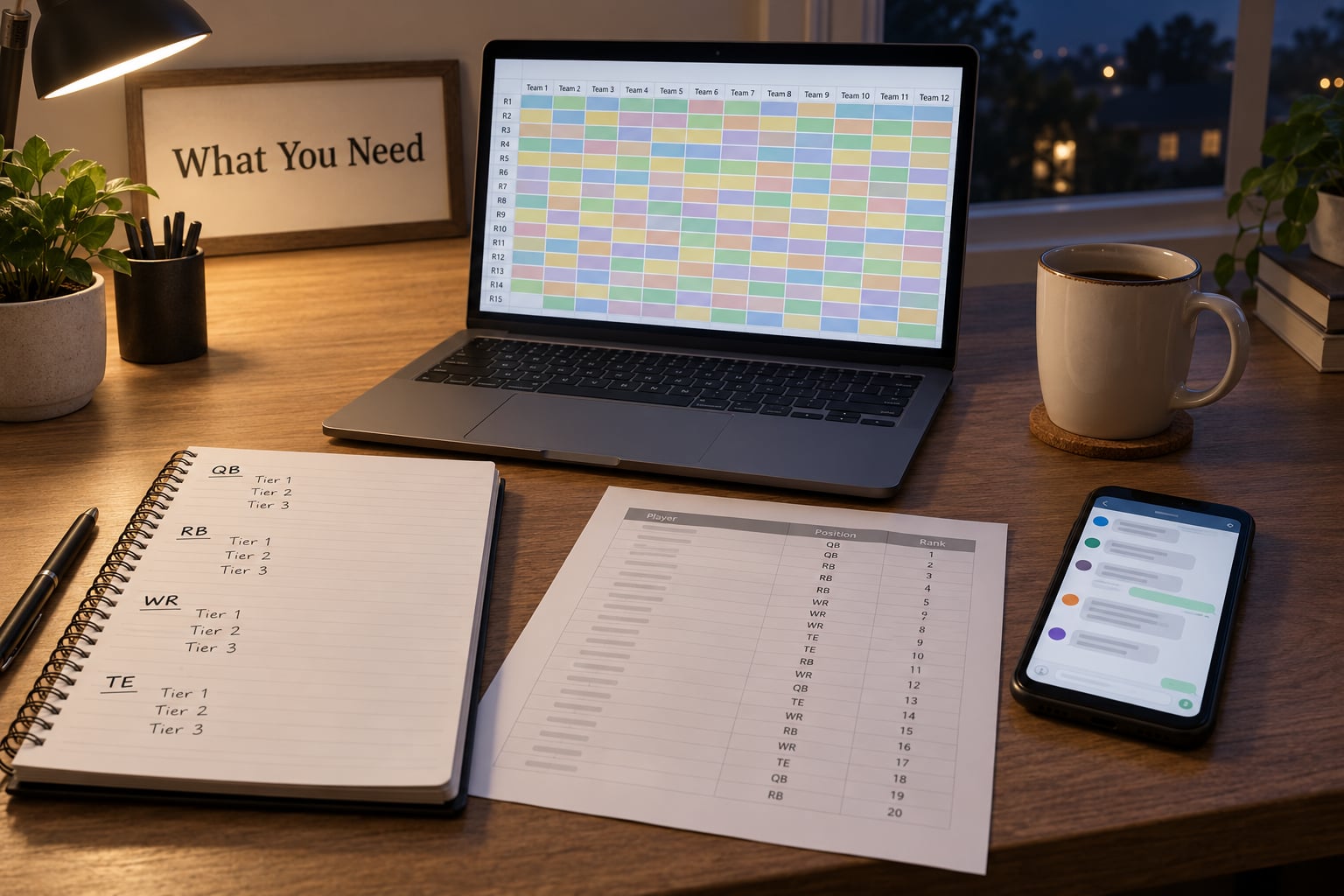
Most remote drafts fail on preparation, not on the picks themselves. Get these five things sorted and you can draft from a phone in a waiting room without losing your season.
Your league settings, written down. Scoring format, roster size, number of teams, flex spots, and whether the league uses IDP. A points-per-reception league rewards depth and volume, a standard league rewards the stars, and the wrong auto-draft settings will happily build you a roster for the other one.
A confirmed draft slot. Know which pick you are in and how many selections separate you from the closest pick on either side. If your commissioner has not published the order yet, ask on Sunday rather than at kickoff.
A ranking source plus your own tier board. Consensus sheets such as a published ADP or an aggregated cheat sheet give you a starting order. Your tier board, roughly 12 to 15 players per tier grouped by role, gives you flexibility when the draft does not go in order.
Platform access, tested in advance. Log in on the device you plan to use, confirm the draft room loads, and check your league’s notifications are on. Draft platforms run on the same weekend as everyone else’s drafts, and leagues are a known cause of slow loading.
A backup device and a paper list. A second screen lets you watch the board while the first handles chat and notes. Paper costs nothing and survives an app crash.
Have the league chat open and muted with notifications on. Members post injury news, trades and commissioner rulings in there, and missing them costs more than any single pick.
How to Draft When You Cannot Attend Live: Step-by-Step
Work through this in order. The first three steps take an hour before the draft and decide how the rest feels; the last three run during the draft itself.
1. Finalize Your League Strategy
Start with the settings page, not the rankings. You cannot tune a draft board until you know what a good roster looks like in your specific league.
Write down three things: which positions carry the most value, where your roster has holes, and which players you refuse to draft. In PPR that usually means wide receivers and running backs; in a two-tight-end league, tight end scarcity changes the whole first round. If your league uses IDP, linebackers and defensive ends need their own tiers because their week-to-week swings are wider.
Next, map your draft position to real expectations. Picking fourth in a 12-team league gives you roughly 13 picks until your next turn. That is enough to wait through a quarterback run and still land a top tight end. Picking last gives you nothing but the end of every round, which is a different draft entirely.
Finish by setting your floor. Decide the earliest round you will accept at your flagship position. A player two spots below your target in a round you can reach is a good outcome, not a panic.
2. Build a Draft Plan You Can Follow Anywhere
Exact predictions fail on a bad draft night. Tier boards survive them, because they tell you what to do when four teams before you all take running backs.
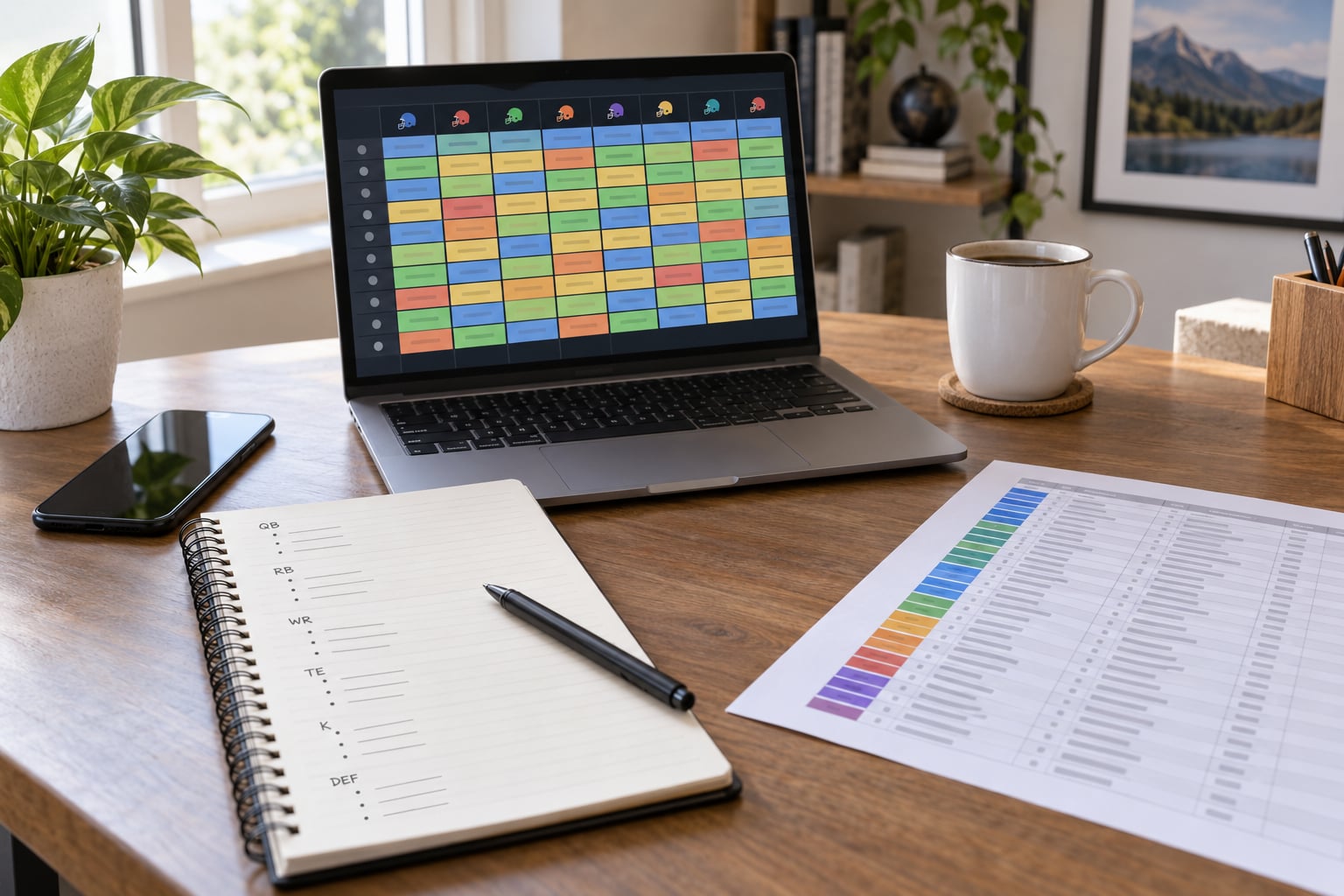
Group players into tiers of roughly five names each, tier one being the players you would take with any pick in the first half of the first round. Then name two or three players inside each tier, in order, so that when you are picking you are reading two lines rather than scrolling a 200-name list on a small screen.
Mark an avoid list separately. Exclude players with a genuine injury concern, anyone you refuse to roster because of a personal reason, and anyone you have already taken elsewhere in your league’s history for sentimental reasons that will hurt your judgement at 9pm.
Give yourself fallbacks. For each early tier, note the two players below your top target who would still be fine picks if everyone above them is gone. That single habit turns a panic reach into a planned one.
Encode your sleepers and handcuffs as notes too. If you are a zero-running-back build, write down the two backups you want next to your top three backs. If you like the pairing strategy, note each starter’s backup so you can grab them on your next turn instead of reacting.
3. Set Up Alerts and Draft Tools
Enable push notifications for your league so you get pinged when it is your turn. On most apps this is a settings toggle inside the league or app notifications menu, and it is off by default on several platforms.
Open the draft room a day early if you can. If it loads on your phone and your laptop, you have two working entry points. If it only loads on one, that is your draft device and you should treat the other as the board viewer.
Save your tier board somewhere reachable from both devices. A photo of a handwritten list works surprisingly well; a screenshot of your notes app works better because you can search it.
On a laptop, use a second window for the board and one for league chat. Most draft apps support a split view, and dragging a player to the wrong roster slot is the single most common desktop draft mistake.
Now the one most people get wrong: know the pick clock and who runs the clock. Some leagues give every manager a two-minute window and then take the best player left on the board. Some run a ninety-second timer. A few have no time limit at all. Know yours before the draft so you can tell whether a pick was deliberate.
4. Draft by Tiers When You Cannot Follow the Live Board
The tier approach is what makes remote drafting work. Instead of asking which player is number 47 overall, you ask who is still available inside the tier that makes sense for this pick.
Anchor each pick to a round goal. Round one through three is usually best player available inside your top two tiers. Rounds four through six is where you start filling by need rather than by rank, because depth separates good teams from lucky ones. Late rounds are for your sleepers, your blockers, and your bench flyers.
Adjust to scarcity as it appears. If two tight ends go in the first four picks, your tight end tier just moved up two spots and your running back plan moves down. React to the board in front of you rather than to the board you expected.
Watch the shape of the picks around you, not just the player names. If the two teams after you keep taking receivers early, they are building something specific, and you can either join it or draft around it deliberately. Both are fine. Drafting the same way regardless of what just happened is not.
5. Adjust When the Draft Goes Off Script
Drafts go wrong in predictable ways. Here are the four that matter most and the response to each.
An unexpected reach. Someone takes a player fifteen spots earlier than consensus. Do not retaliate with your own reach. The player they took is still there at its real value, and their pick tells you nothing about how the rest of their draft will look.
News breaking mid-draft. An injury report drops twenty minutes before your pick. Take the risk-adjusted player at that position if the news is confirmed by more than one source, or take a player one tier below and plan to add the injured player’s teammate through the waiver wire later.
A position run. If four players at one position go in five picks, either pivot to your next tier at your flagship position or let the run continue and pick up depth elsewhere. Both are correct; panicking into a mid-tier running back is the mistake.
Losing track of your own roster. Glance at your lineup at the end of every round. Ten picks in, a duplicate or a missing starter is a two-minute fix. Two rounds after the draft, you have traded away your only chance to fix it.
6. Confirm the Roster Before the Draft Closes
Run this checklist in the last five minutes, not the next morning.
Count your total players against the roster requirement. Most platforms fill to a set number, but leagues with IR slots and taxi squads can leave you short if a pick expired or was skipped.
Check eligibility on your flex spots. A player listed at tight end cannot start at flex on most platforms unless you moved him in the lineup tool, and that move has to happen before your first game.
Verify your starting lineup matches the draft roster. You can swap bench players into starting positions during the season, but only players already on your roster are eligible.
Look for duplicates, which happen when a league bot picks for two managers on the same pick. Most platforms catch this automatically and re-pick, but if your league is not one of them, message the commissioner right away so it can be corrected before waivers open.
Finally, screenshot the finished roster and post it to league chat. It creates a record, it starts the banter early, and it gives you something to reference when the waiver wire chaos starts in week one.
Common Mistakes
Rebuilding your rankings two hours before the draft. Consensus sheets already price in most of what you will hear on draft day. Churning your board late only creates anxiety. Fix your tiers and stop looking.
Ignoring league chat. Members post injury news, roster moves and commissioner rulings there. Muting chat entirely is how you end up holding a player who was ruled out an hour ago.
Treating a rigid board as gospel. A board built for a middle-of-the-round draft position is wrong for you if you are picking first or last. Tiers survive position changes; exact player-by-player order does not.
Not testing your access in advance. The draft room is busiest on draft weekend, and login problems always seem to happen at 7:02pm. Open it early, confirm it works, and know your password.
Drafting on a phone with no backup. Battery dies, cellular drops in a basement, the screen times out mid-pick. Carry a charger, use wifi where you can, and have a second device logged in.
Taking a pick out of panic. The clock is running, the board looks unfamiliar, and you grab whoever is left. That player was not on your board for a reason. Accept the best available name inside your tier instead, even if it is not the player you wanted.
Leaving bench spots for players nobody has heard of. Late-round bench depth is where season-long value hides, and it is the easiest pick to skip when you are distracted. Fill your roster to the league limit before the draft ends.
Skipping the post-draft review. Give the roster twenty minutes the next day. Look at positional counts and bye weeks together, and you will spot a thin spot while trades and drops are still easy to make.
Frequently Asked Questions
Can I draft fantasy football from my phone?
Yes. Every major platform, including ESPN, Yahoo, Sleeper, CBS and Fantrax, has a mobile app with a working draft room, and mobile drafting is the normal way many managers participate. What phones do not handle well is scrolling a 200-player ranking list under time pressure, so upload a short tier board with two or three names per tier instead. Keep a charger, use wifi where you can, and log in the day before to confirm the app loads.
What should I do if I cannot attend my live draft?
Pick one of three routes: draft live from your phone if you can spare ten minutes per round, hand the picks to a proxy you trust with a written ranked sheet, or configure auto-draft and a queue so the platform builds the roster for you. Auto-draft is the least controllable and takes the most setup, so give it an hour. Tell your league in advance either way, because a surprise auto-picked roster is a worse look than a declared one.
Should I use an auto-draft or a fantasy football draft tool?
Use auto-draft when you are completely absent and it beats having no team. Use a live draft tool when you are partly available, because an external tool or live board cannot submit picks to most platform draft rooms unless the league supports it. The practical rule: auto-draft for zero availability, phone plus tier board for partial availability, proxy for full control with no attention required.
How do I choose players when I cannot follow the live draft board?
Draft by tiers instead of by rank. Group players into tiers of about five, then take the best available name inside the tier that matches your pick. This removes the need to track the exact order every team selects, which is the part that becomes impossible on a small screen or between meetings. Update tier priority when position runs happen rather than trying to predict them in advance.
What happens if I need to make a pick outside my planned position needs?
Take the pick anyway, then repair the roster on your next turn or through the waiver wire. Refusing to pick inside the clock usually means the platform auto-selects for you, which is worse than an off-plan choice. The only exception is a quarterback in the final rounds of a league where you already own one, where passing can be sensible if your league allows it.
Can I use a fantasy football ranking service when drafting remotely?
Yes, and you should, but treat consensus rankings as a starting order rather than a rulebook. Publish the order into your platform’s pre-draft rankings tab, then layer your own tier board on top with excludes for injured players and position caps such as a maximum of one kicker. Re-check any ranking sheet older than a few days, since it does not know about last-minute injuries.
Conclusion
Missing a live draft is a scheduling problem with three workable answers: take control from your phone, delegate to a proxy with a written sheet, or configure auto-draft properly and let it run. Whichever you choose, the outcome is decided in the hour before the draft, not on draft night.
Start with the first priority now: write down your league settings and roster needs, build a flexible tier board with two names per tier, and open your league’s draft room on the device you plan to use. Those three tasks remove most of the risk before you lose an hour to a login screen.