Getting a lineup reminder before kickoff takes about five minutes per app, and this guide shows exactly where the toggle lives in ESPN Fantasy, Yahoo Fantasy, Sleeper and the NFL app. If you are figuring out how to set lineup alerts so you never miss a start, the fix is almost always three things: turning on the small set of alerts that matter, granting your phone permission to deliver them, and checking that each alert is scoped to the right team. Apps move their menus around, so check the path names below against what you see on screen, and tell me which app you use if something differs.
Table of Contents
- What You Need
- Step-by-Step
- Step 1: Choose the Alerts Worth Enabling
- Step 2: Allow Notifications on Your Phone
- Step 3: Configure Alerts in the ESPN Fantasy App
- Step 4: Configure Alerts in the Yahoo Fantasy App
- Step 5: Configure Alerts in the Sleeper App
- Step 6: Configure Alerts in the NFL App
- Step 7: Test and Back Up Your Lineup Alerts
- Common Mistakes
- Frequently Asked Questions
- When should I turn on lineup alerts for fantasy football?
- Which fantasy football alerts are most important?
- Do ESPN Fantasy, Yahoo Fantasy, Sleeper, and the NFL app send the same alerts?
- Why are my fantasy lineup notifications not coming through?
- Can I get fantasy football injury alerts by email or text?
- What should I do if an alert arrives after my game starts?
What You Need
You need four things before you start, and only one of them is a subscription.
Your league login. Alert settings live inside a fantasy account, not a general sports one, so sign in to the specific league first. A profile you use for football is often separate from your baseball login on the same app, which is a common reason alerts fire for one sport and never for another.
A phone with notifications switched on. Every platform below sends push alerts through your device, and the operating system has the final say. If Focus, Do Not Disturb, or a battery saver is blocking the app, no in-app setting will fix it.
Your league’s lineup lock time. Most platforms lock at the earliest kickoff of the week, which in a league with a Thursday night game means your lineup is final on Thursday afternoon. Find the exact time in your league settings now so you know how much warning you need.
Optional: a second channel. A calendar reminder on a different device costs nothing and catches the case where your phone is dead, muted, or face down in a bag at the airport.
Step-by-Step
Step 1: Choose the Alerts Worth Enabling
Turn on four things and leave the rest alone: your weekly lineup reminder, player status changes for the starters on your roster, injury report updates for players on your team, and schedule or kickoff changes for your league.
Everything else is usually noise. Red zone visits, practice report speculation, and every minor headline about a deep roster player are the alerts that train you to swipe without reading. The common pattern is that managers mass-mute everything in frustration, then lose the one alert they actually needed. Turning everything on and then digging out is the wrong order.
How you tell it worked: after you finish the setup, open your notification list and confirm at least one alert is tagged with your league name or team name rather than a generic app label.
Step 2: Allow Notifications on Your Phone
On iPhone, open Settings, tap Notifications, then your fantasy app, and switch Allow Notifications on. Set it to Lock Screen or Notification Center so you can read the sender without unlocking, and turn on Scheduled Summary only if you want alerts batched, which you probably do not during game weeks.
On Android, go to Settings, Apps, your fantasy app, then Notifications and switch them on. Also open Battery and check that the app is not set to Unrestricted-off or Optimized, because optimized battery management kills background delivery on many devices during exactly the three hours you care about.
Menu names shift between operating system versions, so look for the app name in your notification settings rather than hunting for an exact label.
Step 3: Configure Alerts in the ESPN Fantasy App
Open the ESPN Fantasy app and go to your league. Tap the gear icon in the top corner, then Alert Preferences. Turn the master Alerts toggle on first, because it enables every sub-option underneath it, then go back through the individual categories and switch off the noisy ones.
Under Fantasy alerts, keep Lineup Reminder, Player Status, and Matchup Alerts enabled. Under the scoring and news categories, mute Red Zone and practice-report style items if you find them overwhelming. How you tell it worked: the alerts feed inside the app shows recent entries, and tapping one should jump you straight to your matchup.
Do this once per team. ESPN scopes many alerts to the league you are viewing, so a league you set up last season can still be on silent defaults.
Step 4: Configure Alerts in the Yahoo Fantasy App
In Yahoo Fantasy, open your league and go to Settings, then Edit Alert Preferences. Under Team Alerts, turn on weekly lineup reminders and injury reports. Under Player Alerts, follow the players in your starting lineup.
Yahoo runs a separate alert system for football and baseball, and users report football notifications failing while baseball alerts keep arriving. If that happens to you, the fix is usually a stale session: sign out and back in, then re-save your preferences. Confirm the alerts appear both in the app’s notification feed and in your device’s notification tray before you trust the setup.
Step 5: Configure Alerts in the Sleeper App
Sleeper does not have a single master alert switch, so build coverage by following people rather than toggling a settings list. In the app, open a player and tap Follow, then do the same for your team. Open your league and follow the league itself for messages and announcements.
Following is what makes Sleeper push you a player news alert. Sleeper has changed its notification features over the past couple of seasons, so if you followed this topic hoping for instant news alerts, the behavior may not match what you remember. Give it one test week before deciding it is broken.
Also confirm your device permission is on for Sleeper specifically. The follow setting inside the app and the permission in your phone are two separate switches, and the phone one wins when it is off.
Step 6: Configure Alerts in the NFL App
In the NFL app, open the More tab and go to Settings, then Notifications. Under Fantasy, switch on Lineup Reminders, Player Updates, and League Activity. Then open a fantasy league from the app and use the follow control so that league appears in your alerts feed.
The NFL fantasy product has changed hands and its availability varies by region, so treat the NFL app as a secondary channel rather than your only one. If your alerts stop arriving and you cannot confirm whether the account is still active, that is a reason to have the backup channel below already running.
Step 7: Test and Back Up Your Lineup Alerts
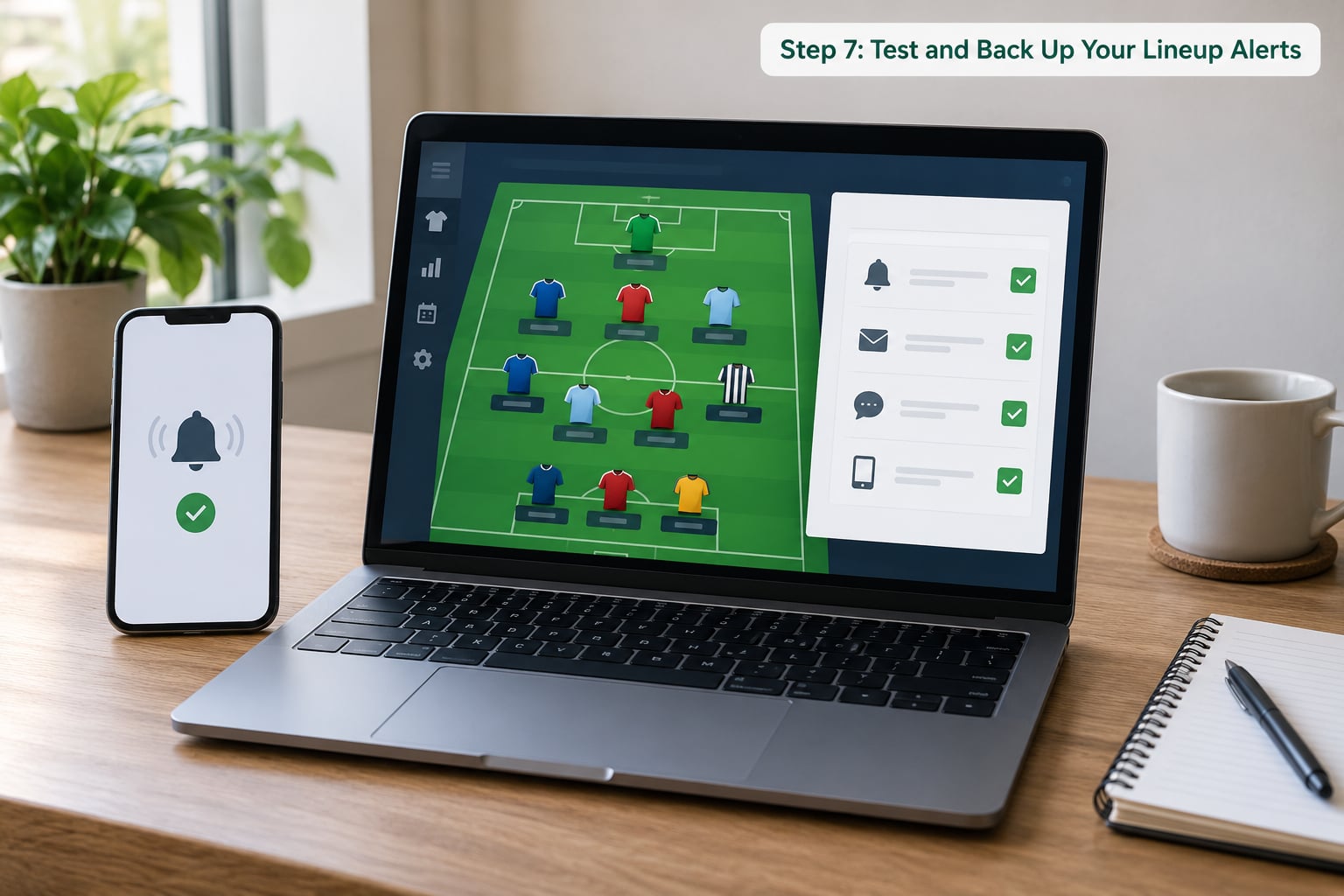
Test before you need it. Trigger a harmless alert yourself: follow a new player, post in league chat, or change a notification setting, and confirm the push lands on your lock screen within about a minute. If nothing arrives, the problem is almost always the phone, not the app.
Then build the backup. Add a recurring calendar event twenty minutes before your league’s earliest kickoff, titled with the league name and the lock time, and let it repeat weekly. That event lives in a different app from your fantasy app, so a silent push, a dead phone, or a crashed session does not take it down with it.
Make the backup calendar the thing you actually trust, not a secondary. Most managers who get burned still set their lineup on the default bench order, and they do it because they assumed an alert had been covered.
Common Mistakes
The toggle is on but nothing arrives. The operating system is blocking delivery. Recheck the app’s entry in your phone’s notification settings, and on Android check that the app is excluded from battery optimisation.
Alerts work for one league but not another. Alert preferences are stored per team and per league, not per account. Open each league individually and confirm its own settings.
You enabled everything and now ignore all of it. Mute red zone, practice report, and deep-roster items, then leave the four from Step 1 running.
League messages are silent. Group chats get muted independently. Open the chat, tap the thread details, and check the mute setting for that conversation only.
Nothing arrives by email. Search the spam and promotions folders for the sender’s domain and mark it safe. Fantasy platforms frequently route alerts through separate sending domains that default to bulk mail.
Your sign-in expired quietly. A session that logged out on one device sometimes leaves notifications on the other device in a half-state. Sign out and back in once at the start of season rather than mid-week.
You locked before the news broke. In leagues with Thursday night games, the lineup locks Thursday. Shift your check earlier in those weeks rather than relying on Sunday.
You think auto-submit solves everything. Auto-submit uses your default bench order, so it protects you from a zero but not from a bad decision. Keep the calendar check anyway.
Two habits cover most of this: recheck your lineup thirty minutes before kickoff even when an alert told you everything was fine, and run at least two independent channels.
Frequently Asked Questions
When should I turn on lineup alerts for fantasy football?
At the start of every season, and again any week your league changes kickoff times. Alerts are stored per team, so a new league or a re-signed-in account starts on default settings with nothing enabled. The other useful time is the weekend before your league’s draft, when you can follow players on your roster so their news reaches you before your first lineup decision.
Which fantasy football alerts are most important?
Four: the weekly lineup reminder, player status changes for your starters, injury report updates for rostered players, and schedule or kickoff changes. Everything else, including red zone visits and practice report speculation, is optional. Turn those four on, leave the noise muted, and you will still read the alerts when they arrive instead of swiping past all of them.
Do ESPN Fantasy, Yahoo Fantasy, Sleeper, and the NFL app send the same alerts?
No. Each platform stores its own preferences and delivers its own alert types. Sleeper leans on following players and teams rather than a settings list, while ESPN and Yahoo give you explicit categories of toggles. The NFL app covers game and fantasy news as well. Running two platforms means two independent configurations, and you need to set up each one separately.
Why are my fantasy lineup notifications not coming through?
Most often the phone, not the fantasy app. Check the app’s entry in your phone notification settings, and on Android confirm it is not being restricted by battery optimisation. After that, check that your sign-in is still active, that the alert is enabled for the specific league you are looking at, and that email alerts have not landed in your spam or promotions folder.
Can I get fantasy football injury alerts by email or text?
Email works on every major platform through the same alert preferences screen where you toggle push notifications. Text alerts are thinner: some platforms offer SMS only for high-priority items like lock reminders or trade offers, and availability varies. Treat email as the dependable backup channel and verify it once by confirming a message lands in your inbox rather than your spam folder.
What should I do if an alert arrives after my game starts?
Check whether your league is already locked, because nothing you do after the lock changes that week’s scoring. Most leagues use your default bench order for an unsubmitted lineup, so the damage is usually a bench player or two. Look at how much time is left before kickoff, set the lineup if the window is still open, and move your check time earlier next week.
Start with the calendar event. Twenty minutes before your league’s earliest kickoff, repeating weekly, costs you a minute to set up and works even when every app alert fails. Then turn on the four alerts that matter in each app you use, confirm your phone is allowed to deliver them, and recheck your lineup once more before kickoff.